
Six Essential AI Skills for Enhanced Productivity and Customization

Last week, an article discussing "superpower" plugins for AI agents garnered significant interest, highlighting a substantial information gap regarding AI skills. Following a reader's inquiry about other essential skills, a curated list of genuinely useful tools has been compiled. This selection focuses on frequently used and effective skills, emphasizing that a streamlined and scientifically chosen set of skills is often more beneficial than a comprehensive, overwhelming collection. These skills can be installed by copying and pasting the provided information into AI agents such as Claude Code or OpenClaw.
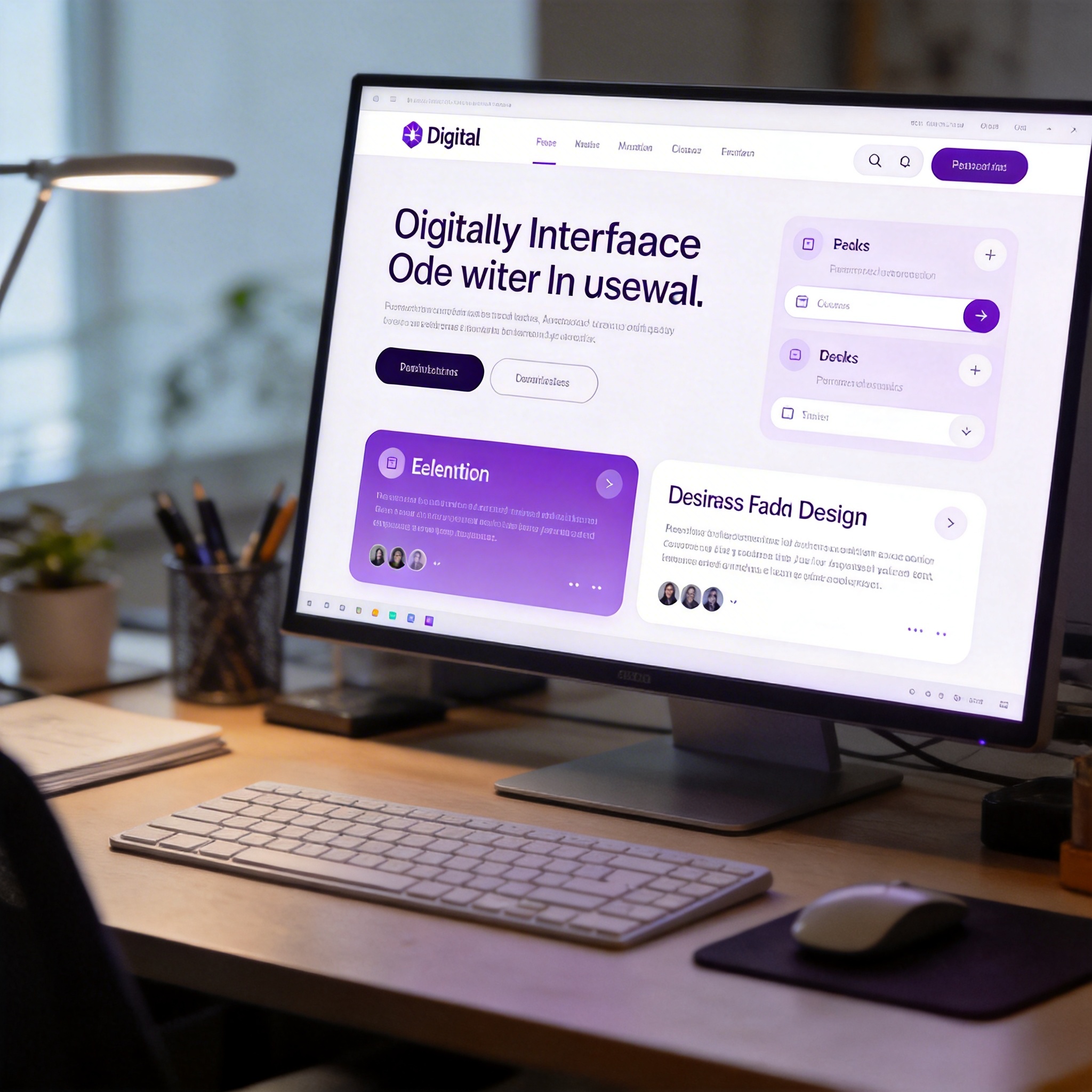
Modern, minimalist web design on a digital screen, showcasing clean aesthetics.
Frontend Design
The "Frontend Design" skill, available on Claude's official plugin website, is highly regarded for its ability to address the aesthetic shortcomings often found in AI-generated frontend designs. Many AI models tend to produce designs with a distinct "AI flavor," characterized by repetitive elements like Tailwind CSS blue-purple gradients and default system fonts. This skill, developed by Anthropic's official team, aims to mitigate this issue.
The design philosophy behind "Frontend Design" requires the AI to establish a clear aesthetic direction—such as minimalism or retro-futurism—before generating code. All subsequent design choices, including layout, whitespace, font selection, and animations, must align with this direction. It also enforces rules against common fonts like Inter, Roboto, Arial, and the prevalent AI aesthetic of purple gradients on white backgrounds. When applied, the skill significantly improves the visual appeal of AI-generated web pages, making it particularly useful for users who frequently employ agents for frontend development, UI creation, or data visualization.
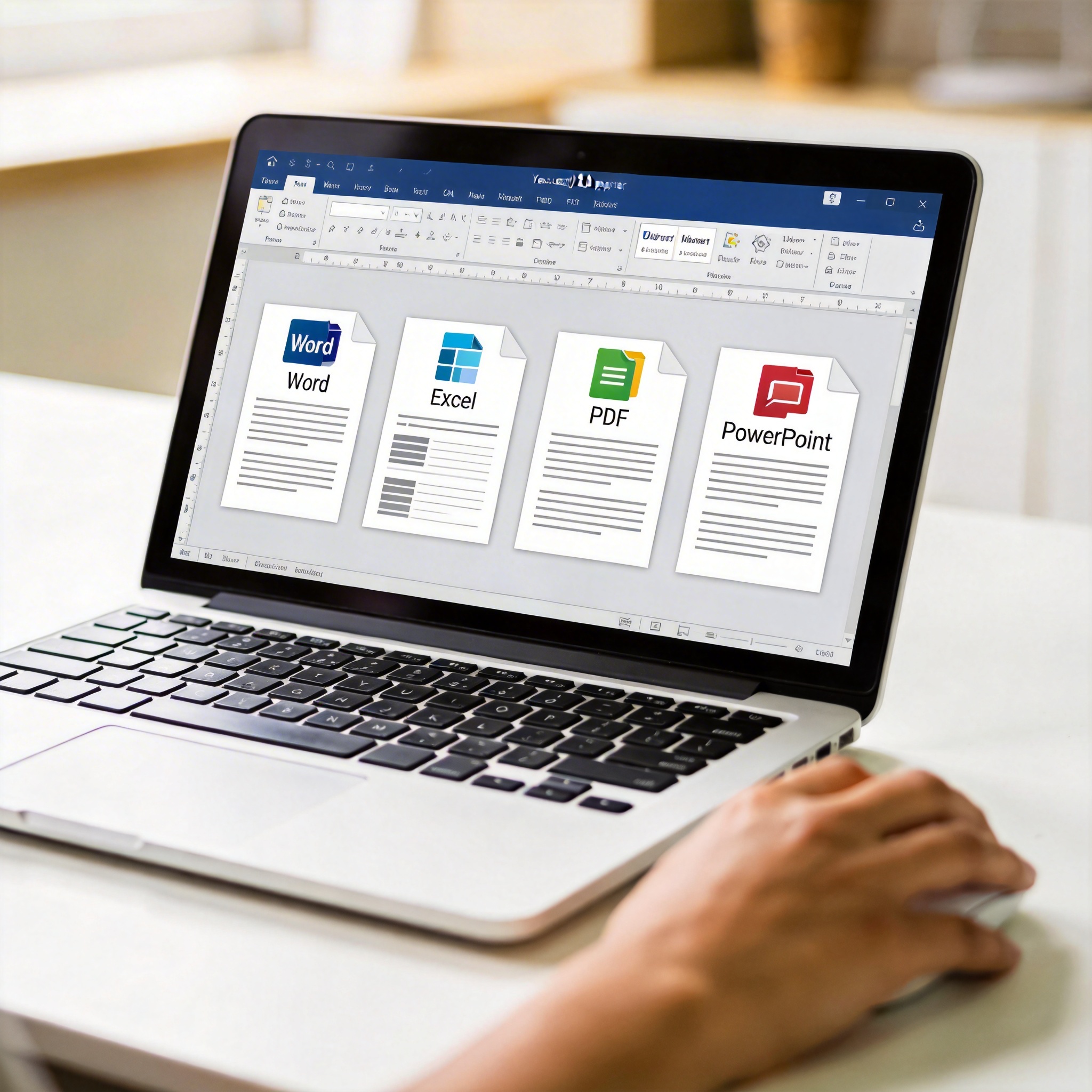
Laptop screen showing well-formatted Word, Excel, PDF, and PowerPoint documents.
Essential Office Suite
Anthropic's official team also developed a suite of four essential skills: docx, xlsx, pdf, and pptx. These skills enable AI agents to read, write, and modify files in Word, Excel, PDF, and PowerPoint formats. While platforms like Cowork may have these capabilities built-in, users of Claude Code or similar terminal-based agents need to install them separately.
Without these skills, AI agents process file formats by generating code from scratch, which can lead to inconsistent or messy outputs, especially with less capable models. The installed skills provide comprehensive document processing workflows and code templates, guiding the AI on aspects like page size, width, and image types. This ensures more professional and consistently formatted documents. For instance, a 21-page English paper with formulas and charts, when summarized by Claude Code without these skills, resulted in a disorganized output. With the skills installed, the summary maintained a consistent color scheme, headers, and footers, producing a complete and properly formatted document. These skills can also be combined with the "Frontend Design" skill to enhance the aesthetic quality of presentations.

Split screen showing a complex webpage and its simplified Markdown version, illustrating web access.
Web Access Skill
The "Web Access" skill, developed by @Yize, offers advanced internet browsing capabilities. Released recently, it has quickly gained popularity due to its ability to combine internet search with browser control. This skill addresses the limitations of Claude Code's built-in search tool, which struggles with non-public, in-site information from platforms like Xiaohongshu or Bilibili.
By connecting directly to a local Chrome process via the Chrome DevTools Protocol, the skill can leverage the user's logged-in status on various platforms, including Weibo, Xiaohongshu, Bilibili, and Feishu, without requiring re-login. It also utilizes Jina as an optional intermediate layer to convert webpage content into clean Markdown before reading, reducing token consumption. A prerequisite for this skill is an updated Chrome browser with remote debugging enabled. The skill can dispatch multiple agents in parallel to extract information from different browser tabs simultaneously. It also accumulates operational experience for each website, remembering effective selectors and traversable paths, which speeds up subsequent visits to the same sites.

Abstract visualization of AI problem-solving, with tangled and clear neural pathways.
PUA Skill
The "PUA" skill addresses the common issue of AI agents "slacking off" or failing to resolve problems after a few attempts. Its project description humorously frames it as a tool for an AI engineer who was once highly anticipated but now needs motivation.
The skill is designed to counteract AI agents that suggest manual intervention or claim a lack of context when encountering difficulties. While not recommended for constant use, it can be manually activated—for example, by typing /pua—when an agent is stuck in a loop of revisions. This forces the agent to re-evaluate its approach using a 7-item checklist. Version 3 of the skill integrates methodologies from various tech companies, including Alibaba, ByteDance, Huawei, Tencent, Meituan, Pinduoduo, Baidu, Netflix, and Apple, automatically selecting appropriate strategies based on the task type. This skill is noted for its immediate and effective results in resolving stubborn bugs.

Digital interface showing AI conversation history with a highlighted memory panel.
Claude-mem
"Claude-mem" is a skill developed to provide persistent memory for Claude Code, similar to the built-in memory mechanism in OpenClaw. It automatically records key information from conversations, compresses it, and injects relevant context into new sessions, effectively giving Claude Code long-term memory.
The skill employs a progressive presentation scheme, a three-layer retrieval mechanism that first checks an index, then timeline context, and finally retrieves complete details, optimizing token usage. It also features a local web interface on localhost:37777 where users can review what the AI has remembered. For privacy, users can add a <private> tag around sensitive content to prevent the skill from remembering it.

Human hand interacting with a holographic projection of gears and circuits, symbolizing custom AI skill creation.
Skill-Creator
The "Skill-Creator" is considered the most crucial skill, as it empowers users to build their own custom skills. This skill is highlighted as an "epic upgrade" that allows users to encapsulate and solidify their unique needs and experiences into personalized tools.
The true value of AI skills, it is argued, lies in their ability to address specific, personalized problems that generic solutions or existing GitHub repositories might not cover. For instance, a non-developer user might bundle server management tasks into a skill, enabling an AI agent to handle server operations. This approach transforms users from consumers of skills into creators, allowing them to automate workflows and solve problems tailored to their individual requirements. While the previously mentioned skills address general problems, "Skill-Creator" provides the means to develop highly specialized solutions.

Abstract representation of generic digital blocks transforming into a unique, glowing custom skill block.
Concluding Thoughts
Traditionally, "skills" referred to inherent human abilities like data insight, aesthetic sense, or debugging intuition, which take years to develop and are deeply ingrained. Today, skills can be encapsulated, installed, shared, and copied as digital files. This shift suggests a depreciation of generic skills, as AI agents can now handle tasks like document formatting, frontend code generation, and web searches.
However, what truly appreciates is the human ability to identify specific needs and problems. AI cannot determine the optimal server management process for a company, discern the essential elements of a writing style, or pinpoint the most painful workflow points worth automating. These judgments require human insight. Therefore, while pre-built skills offer significant advantages, the most impactful skill is ultimately the one users create themselves to address their unique challenges.
Stay Ahead of the AI Curve
Join 50,000+ subscribers getting the latest AI tools, trends, and tutorials delivered to their inbox weekly.
No spam, unsubscribe at any time.