
GitHub Integrates Claude and Codex, Launching AI Programming "Three-Way Rivalry"
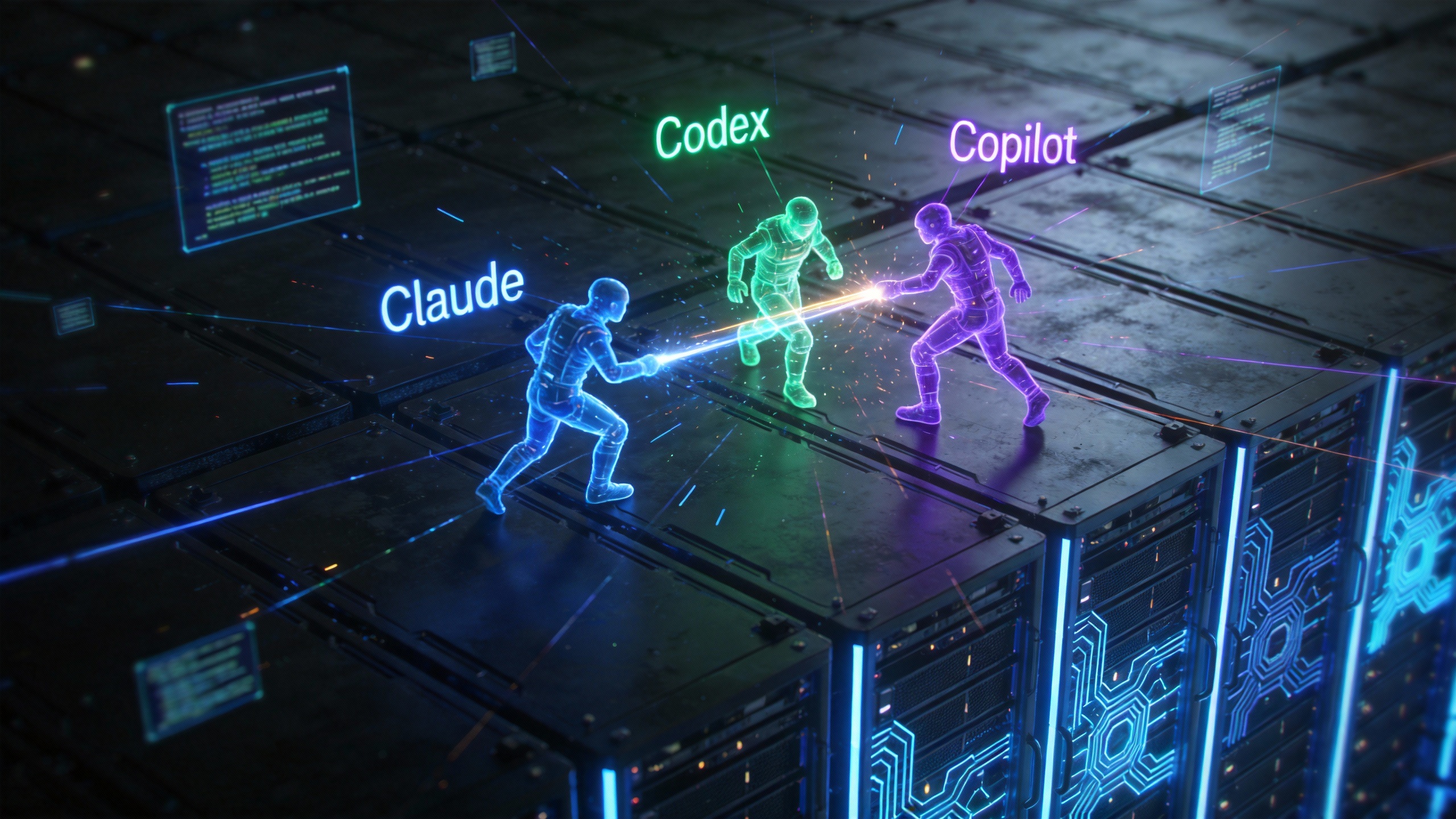
GitHub has announced the integration of Anthropic's Claude and OpenAI's Codex, bringing these two prominent programming AI models into its platform alongside Copilot. This move establishes an "AI battlefield" on GitHub, enabling multi-agent collaboration for developers.
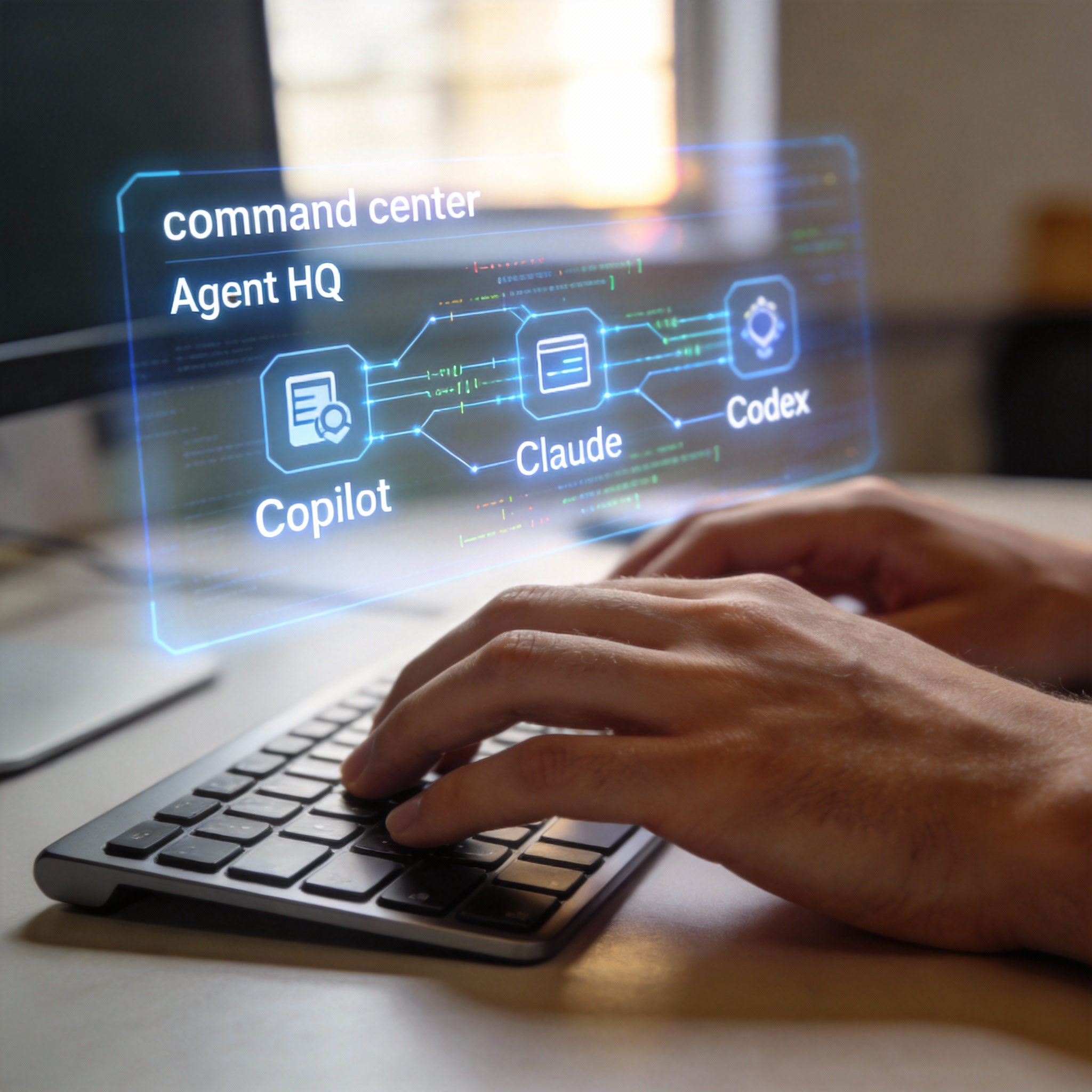
Developer's hands typing, with a holographic 'Agent HQ' interface showing AI models.
The integration is facilitated through a new "command center" called Agent HQ, which aims to streamline the software development process by reducing the need for "context switching." Developers can now access Copilot, Claude, and Codex with a single command across integrated development environments (IDEs), GitHub's web interface, and mobile devices. Microsoft's strategy is to embed AI agents as a core configuration for developers within GitHub.
Agent HQ Streamlines Development Workflows
Agent HQ is designed to eliminate the inefficiencies associated with context switching in software development. By integrating multiple AI agents directly into the platform, GitHub allows developers to manage the entire process from conception to implementation without changing tools. This native integration means that AI agents can assist with coding, debugging, submitting pull requests (PRs), commenting on code, and analyzing vulnerabilities directly within GitHub repositories.

Developer focused on a laptop in a modern, well-lit office environment.
The platform's user base has grown significantly, surpassing 100 million developers in 2023 and now reaching over 180 million users. Subscribers to Copilot Pro+ and Copilot Enterprise can access the new features immediately.
Leveraging Multiple AI Agents for Enhanced Productivity
Developers can assign tasks to Copilot, Claude, and Codex simultaneously, allowing for asynchronous processing of complex coding problems. This parallel execution can generate detailed logs and PR suggestions in a short timeframe. Each task initiated by a programming agent consumes one Premium Request quota.
The process for managing agent tasks on GitHub involves navigating to the Agents tab within a repository, entering requirements, selecting an agent, and submitting the request. Agents run asynchronously, providing real-time progress feedback and detailed logs that document their actions and reasoning. Artifacts generated by agents, such as reviews, code drafts, or modification suggestions, are presented as standard code contributions for easy review.
Agents can also be assigned within issues and PRs to compare solutions, automatically generate draft PRs, analyze code, or make targeted modifications. Developers can summon agents by mentioning them in PR comments. All agent activities are transparent and reviewable, integrating into personal evaluation processes similar to code submitted by human teammates. Microsoft emphasizes that agents can make mistakes, and the process is designed to be "reviewable, comparable, and challengeable" rather than blindly accepted.
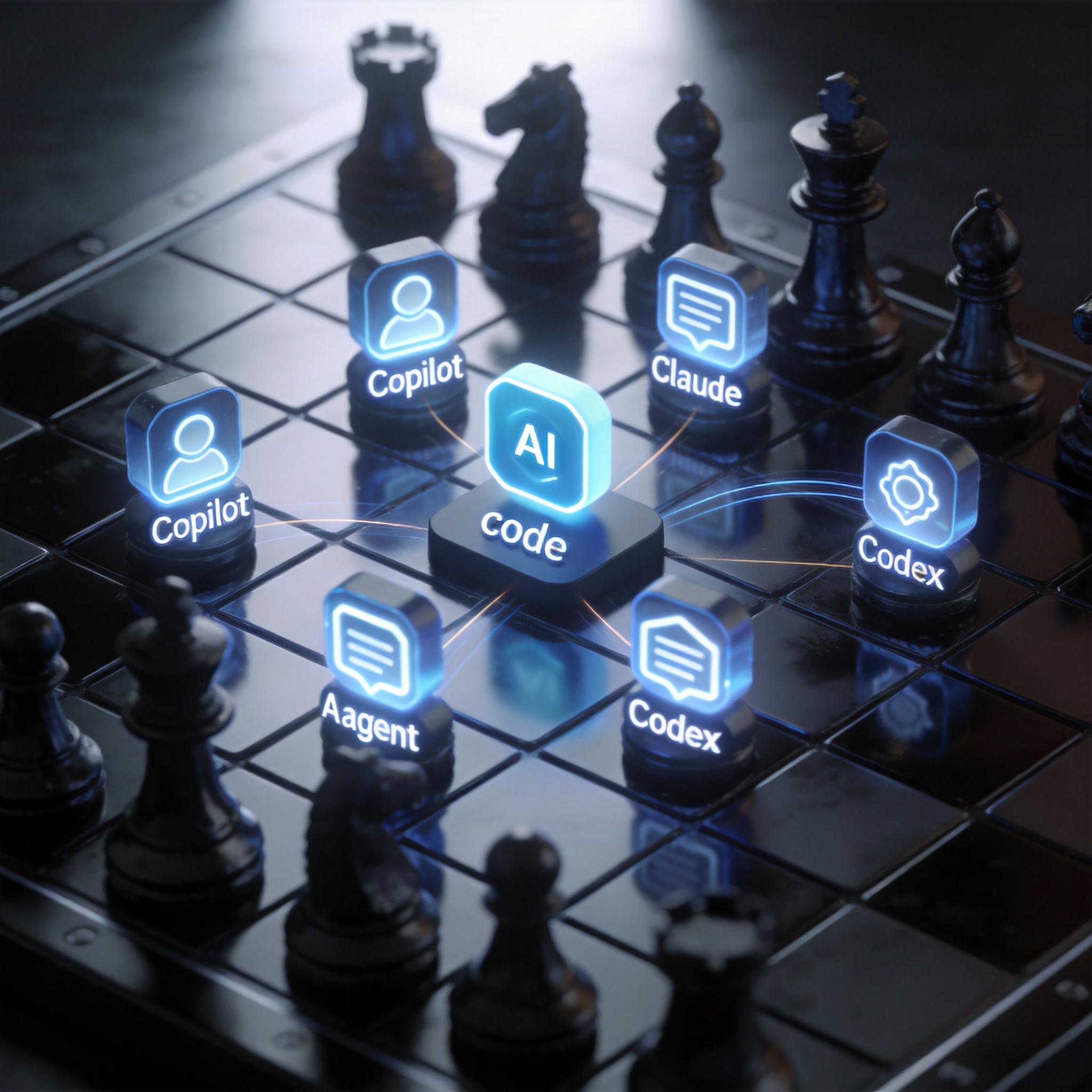
Stylized AI agent icons on a digital chessboard, symbolizing strategic task assignment.
Deep Integration Across Platforms
For developers working in IDEs, VS Code (version 1.109+) offers deep integration with Agent HQ. Users can access the Agent sessions view to select between Local Mode for quick interactive assistance, Cloud Mode for autonomous tasks on GitHub servers, or Background Mode (Copilot only) for asynchronous local work. This allows developers to refine ideas in the editor and offload time-consuming tasks to GitHub while maintaining history and context. The three AI agents can also be invoked directly on GitHub mobile.
Agent HQ extends beyond code writing, functioning as a "staff headquarters" where developers can assign different agents to the same problem to observe varying logical approaches. This can help identify potential issues early, such as architectural flaws, edge cases, or refactoring solutions. This shift allows developers to focus on strategic planning rather than syntax-level details.

Developer observing multiple AI agents providing different solutions on a monitor.
Scalability and Organizational Benefits
Microsoft highlights that embedding agents natively into GitHub, rather than as external plugins, offers significant scalability benefits. This approach eliminates the need for developers to copy and paste code between various tools, documents, and dialog boxes, as all discussions and changes are directly embedded within the repository. This facilitates early exploration of implementation paths, ensures context preservation, and streamlines code reviews with agent-generated draft PRs.
Beyond individual developers, the integration is expected to benefit entire technical organizations through centralized control for administrators, enhanced code quality gates via GitHub Code Quality, automated first reviews by Copilot, and quantitative metrics to track AI contributions and ROI.
Evolution of AI in Software Development
This integration signifies a broader shift in the AI landscape for software development. The "AI arms race" is moving beyond code completion in editors to platform-level agents that span the entire software development lifecycle. The focus is transitioning from individual AI assistants to establishing unified, secure workflows at an organizational level to scale AI effectively. The trend is also moving from general-purpose assistants to specialized AI agent fleets, each with distinct responsibilities for security, testing, or refactoring.

Abstract digital landscape showing interconnected nodes, symbolizing evolving AI agent fleets.
The expectation is that by 2026, the primary challenge will be commanding these "fleets of agents" to address inefficient workflows. With developers spending only 20% of their time writing new code and 80% on repetitive tasks like bug sorting, documentation, and PR reviews, AI is positioned to tackle these areas.
Stay Ahead of the AI Curve
Join 50,000+ subscribers getting the latest AI tools, trends, and tutorials delivered to their inbox weekly.
No spam, unsubscribe at any time.