
Unlocking Claude Code's Hidden Features: A Guide to Advanced Commands and Shortcuts


Developers are increasingly adopting Claude Code as a versatile general-purpose agent, yet many users remain unaware of its advanced functionalities. While some leverage its full potential, others miss out on features that could significantly enhance their workflow. A recent observation highlighted this disparity when a developer, struggling with an incorrect prompt, was unaware of the /rewind command, a function akin to an undo feature. This incident underscored a broader lack of awareness regarding Claude Code's less-obvious capabilities.

Abstract digital network with a brightly glowing node, symbolizing a new software feature emerging from rapid updates.
The platform's rapid update cycle often introduces powerful tools that go unnoticed. A Japanese developer reportedly noted that updates occur so frequently that new features sometimes appear before they are officially documented, often surfacing through casual mentions by developers on social media. This article compiles ten such commands and shortcuts that can substantially improve the Claude Code experience.
/btw: Parallel Querying Without Context Pollution
Introduced on March 11, the /btw command allows users to insert questions without disrupting ongoing tasks or polluting the conversation history. Previously, asking a question while Claude Code was engaged in a complex task, such as refactoring a module, would interrupt its process and embed irrelevant dialogue into the context. This "context pollution" could derail Claude's subsequent actions.
With /btw, users can type the command, followed by a space and their question. Claude Code answers the query in parallel, without pausing its primary task. Once the answer is received, the temporary query segment can be cleared, leaving the main conversation history undisturbed. This feature reuses the current prompt cache, making it token-efficient and highly beneficial for maintaining focus during extended coding sessions.

Split screen showing code editor and a separate, temporary chat window, illustrating parallel querying with '/btw'.
/rewind: Granular Undo for Code and Conversation
The /rewind command, accessible by pressing the Escape key twice, functions as an undo or revert mechanism, similar to Ctrl+Z in many applications. An update in February enhanced this command, allowing separate reversion of code and conversation.
Now, typing /rewind presents a menu with options to revert only the code, only the conversation, both, or to compress the conversation from a specific point to free up context window space. This is particularly useful for experimentation. If a new solution fails, the code can be reverted while preserving the conversation, allowing Claude to remember the unsuccessful path and adjust its approach without requiring a re-explanation of requirements.
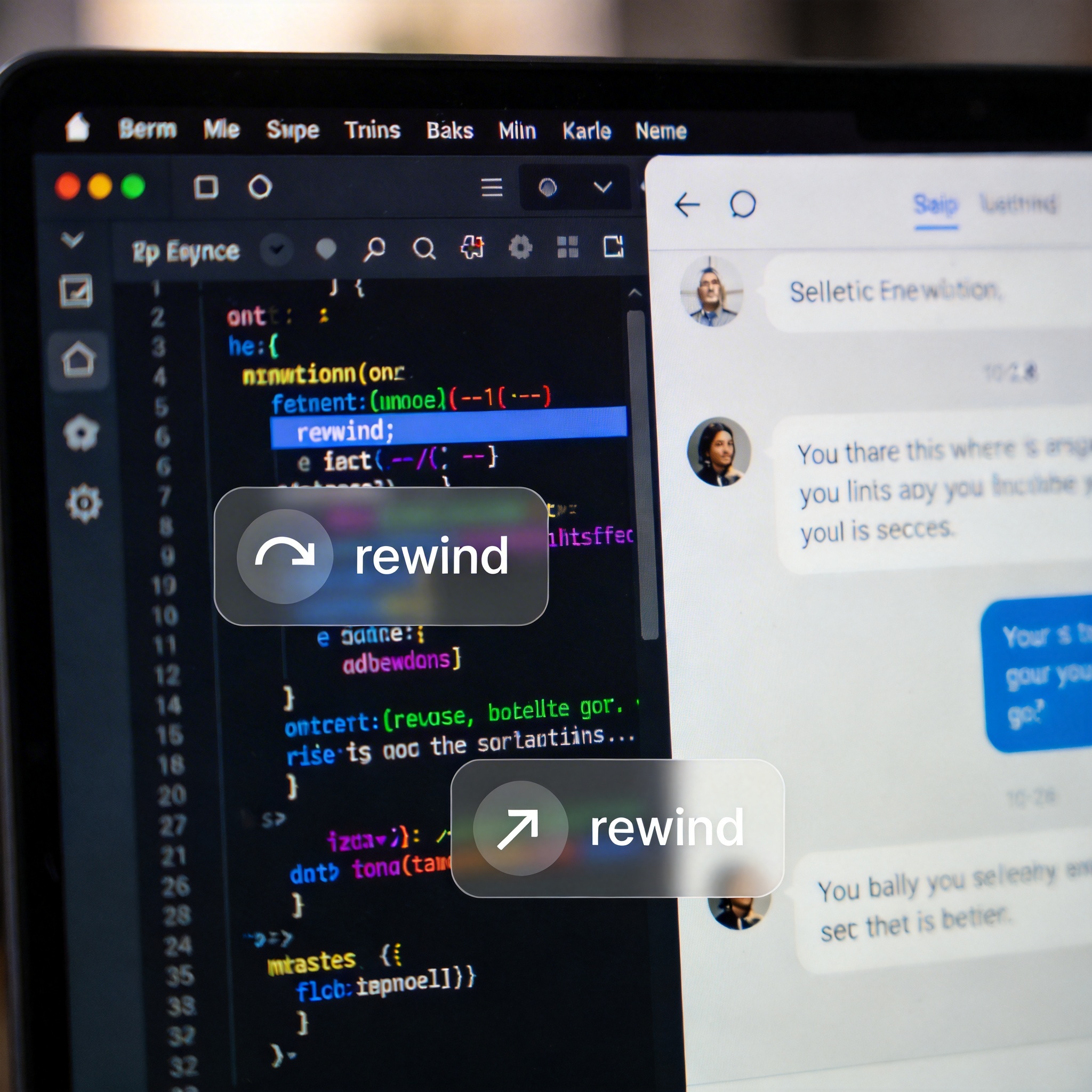
Computer screen showing code and chat, with 'rewind' icons over each, symbolizing granular undo functionality.
/insights: Personalized Usage Analysis
The /insights command generates an HTML report detailing a user's Claude Code habits over the past month. This report analyzes frequently used commands and repetitive patterns, then recommends custom commands and skills. Essentially, Claude Code observes user behavior to suggest optimizations. The detailed report can reveal habits and suggest improvements, including memory settings. Running this command monthly can provide valuable self-reflection on usage patterns.

Abstract data visualizations and bar charts emerging from a digital interface, symbolizing personalized usage analysis and insights.
/model opusplan: Optimized Model Switching for Pro Users
For users with a $20 Pro subscription, the /model opusplan command offers a significant advantage. This hidden command automatically switches to Claude Opus 4.6 in "plan mode" for complex reasoning tasks, then reverts to Claude Sonnet 4.6 for execution. This mode is not available through direct /model switching.
This feature is crucial for Pro users who face limited Opus quotas. Planning and coding demand different model capabilities; Opus excels at deep thinking and understanding project architecture, while Sonnet is often sufficient and faster for actual coding in smaller projects. By using /model opusplan, users can leverage Opus's strength for planning while conserving its quota by executing with Sonnet, offering a balance of performance and cost-efficiency.

Interlocking gears labeled 'Opus' and 'Sonnet', symbolizing optimized model switching for planning and execution.
/simplify: Advanced Code Review Skill
Released in late February, /simplify is a built-in skill that acts as a three-in-one code review tool. Upon activation, Claude Code launches three parallel agents to review code changes from the perspectives of reusability, quality, and execution efficiency. It then summarizes potential optimizations. This command effectively replaces the older /review command. It is particularly useful after multiple rounds of conversation or significant feature updates, as AI-generated code can often contain redundancies, unnecessary imports, or repetitive logic that /simplify can identify.
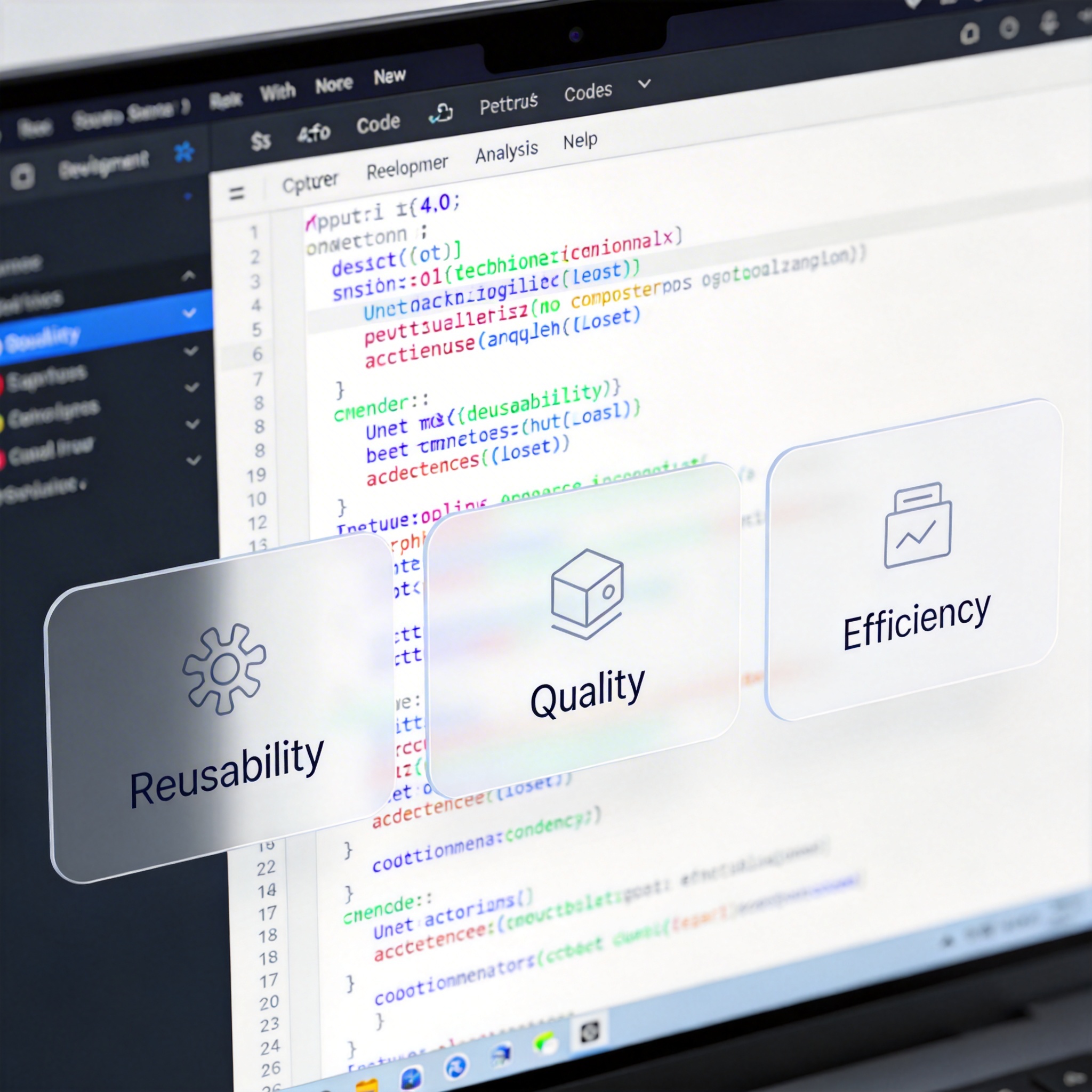
Code editor with three overlay panels for 'Reusability', 'Quality', and 'Efficiency', symbolizing the '/simplify' code review skill.
/branch: Parallel Conversation Paths
Formerly known as /fork, the /branch command allows users to duplicate the current conversation into a new, independent session. This is similar to a "branch in new chat" feature. It is useful when exploring alternative solutions or implementations without losing the progress of the original conversation. For example, if Claude has outlined a solution, /branch enables the user to pursue two different implementation approaches simultaneously, selecting the more effective one later. Unlike /rewind, which is an undo function, /branch creates parallel conversational realities.
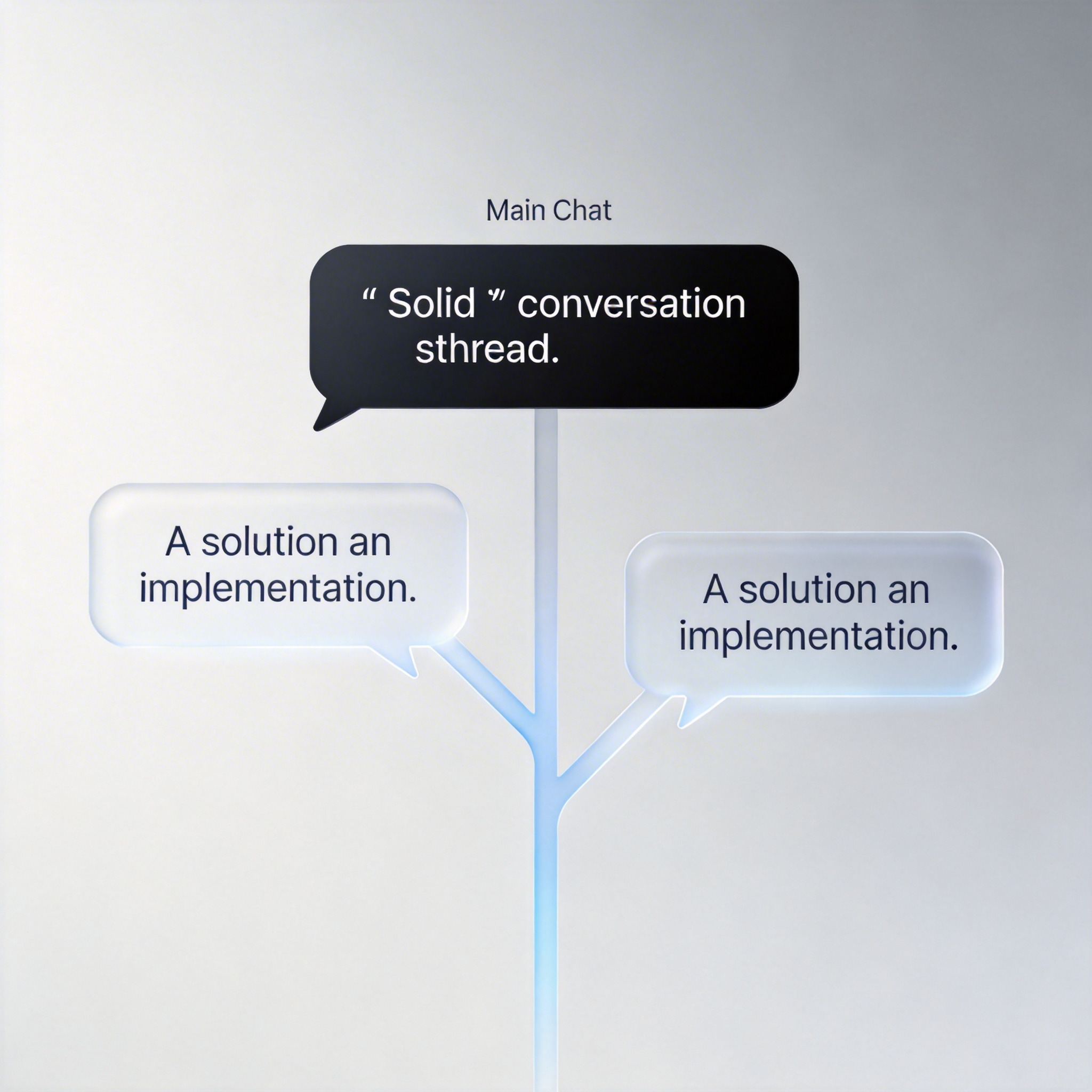
Main chat interface with two diverging, parallel chat threads, symbolizing the '/branch' command for alternative conversation paths.
/loop: Automated Task Repetition
The /loop command, a recent addition, enables Claude Code to repeat a specified task at regular intervals. Users can define the interval, for instance, /loop 5m check deployment status to run a check every five minutes. The default interval is 10 minutes. This feature integrates task results directly into the conversation context, allowing Claude to make subsequent judgments and actions based on the automated checks. Tasks automatically expire after three days, triggering one final execution before self-deletion, limiting the running time of forgotten loops. For indefinite looping, the desktop version is recommended.
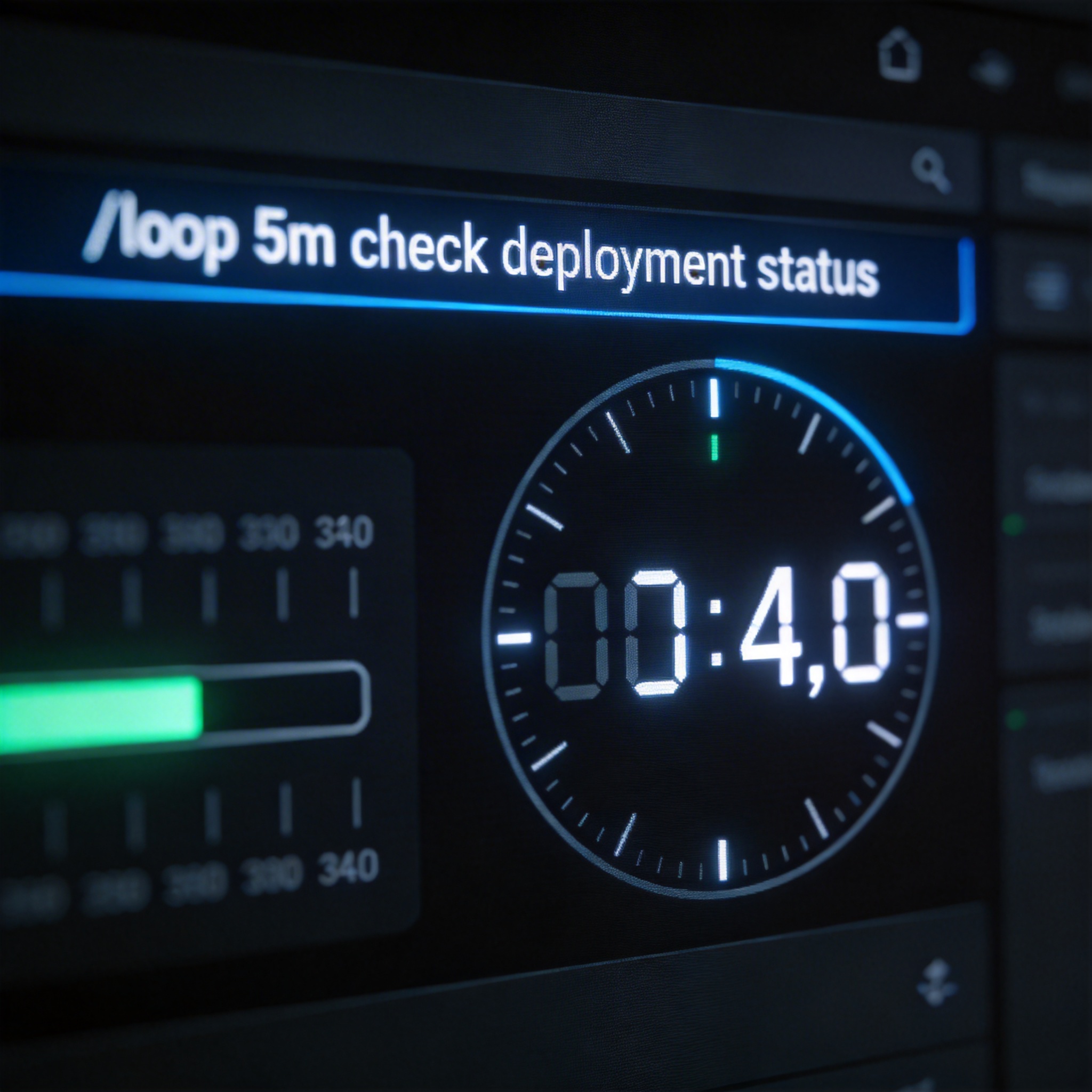
Digital clock and command line showing '/loop' command, symbolizing automated task repetition at regular intervals.
/remote-control: Mobile Access to Claude Code
Released in late February, /remote-control (or /rc) generates a URL that, when opened on a mobile device, mirrors the entire Claude Code session. This provides real-time synchronization between the terminal and the mobile device, allowing commands and operations from either interface to be reflected instantly on the other. The code execution, file system, and project configurations remain local to the computer, with the phone acting purely as a secure remote control.

Desktop computer screen mirroring a Claude Code session onto a mobile phone, symbolizing '/remote-control' functionality.
/export: Archiving Conversations
The /export command converts the current conversation into a Markdown file. While seemingly straightforward, this feature is crucial for preserving valuable discussions and architectural decisions made with Claude Code. Exporting conversations ensures that detailed context, deliberations, and judgments are saved for future reference or collaboration. This allows for easy sharing of complex problem-solving processes or architectural solutions.
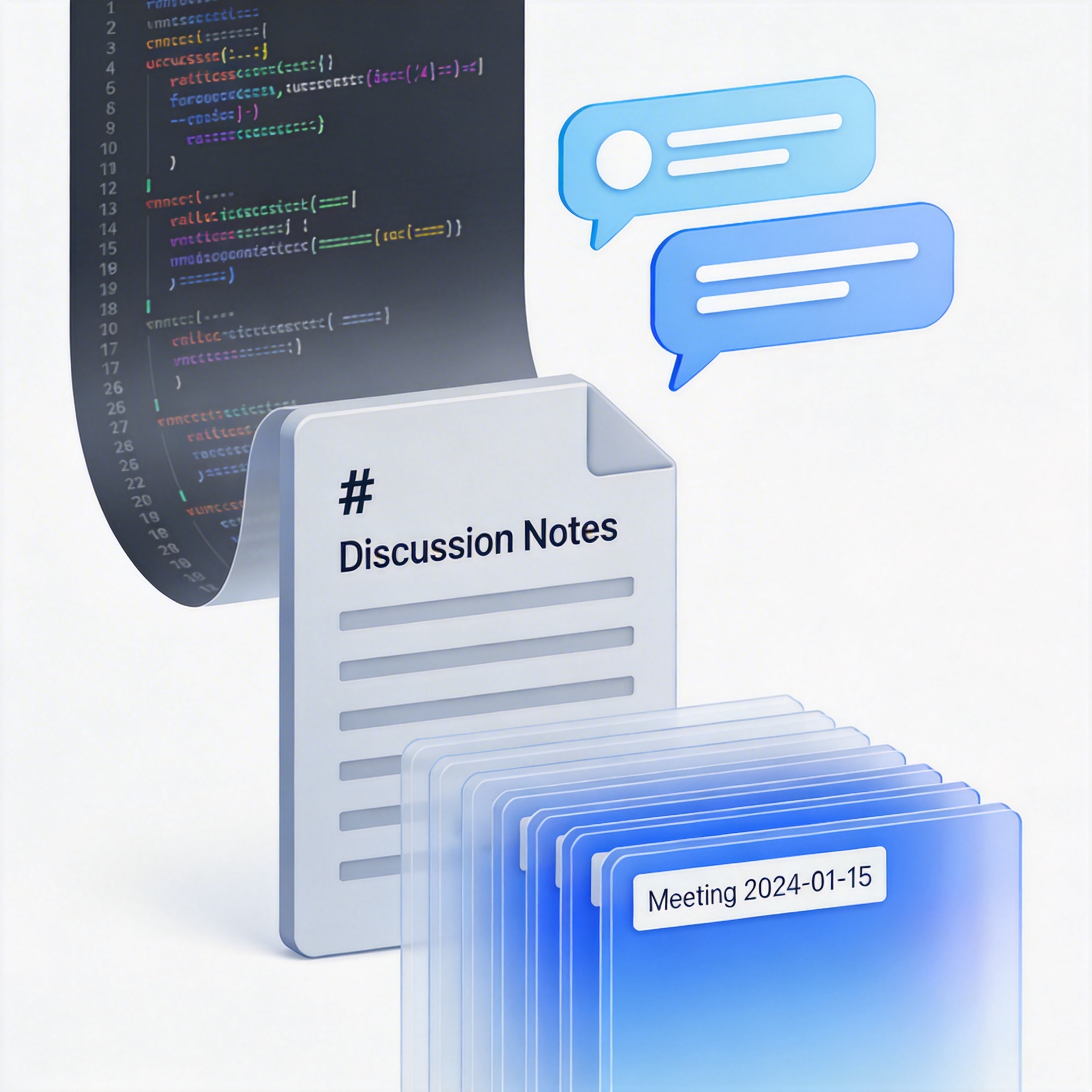
Digital conversation transforming into a Markdown file icon, symbolizing the '/export' command for archiving discussions.
Keyboard Shortcuts: Enhancing Efficiency
Beyond commands, several keyboard shortcuts can streamline interaction with Claude Code:
Ctrl+V: Directly pastes screenshots into the interface, eliminating the need to save and drag image files. Mac users should note this is Ctrl+V, not Cmd+V.
Ctrl+J (Windows) / Option+Enter (Mac): Inserts a newline.
Ctrl+R: Searches previous prompt history.
Ctrl+U: Deletes the entire input line.

Close-up of a hand pressing keyboard keys, highlighting 'Ctrl' and other shortcut keys, symbolizing enhanced efficiency.
The rapid evolution of Claude Code means that new, impactful features are constantly being introduced. Staying informed about these updates can significantly enhance a developer's productivity and overall experience.
Stay Ahead of the AI Curve
Join 50,000+ subscribers getting the latest AI tools, trends, and tutorials delivered to their inbox weekly.
No spam, unsubscribe at any time.