
Google's Mixboard Canvas Integrates Banana2 for Dynamic Presentation Editing
Google has launched Mixboard, a new canvas platform that integrates its Banana2 AI model, enabling dynamic editing of presentations and infographics. This development follows a recent viral trend involving NotebookLM generating presentations with Banana2, after which Google restricted this functionality to Pro or higher subscription tiers.
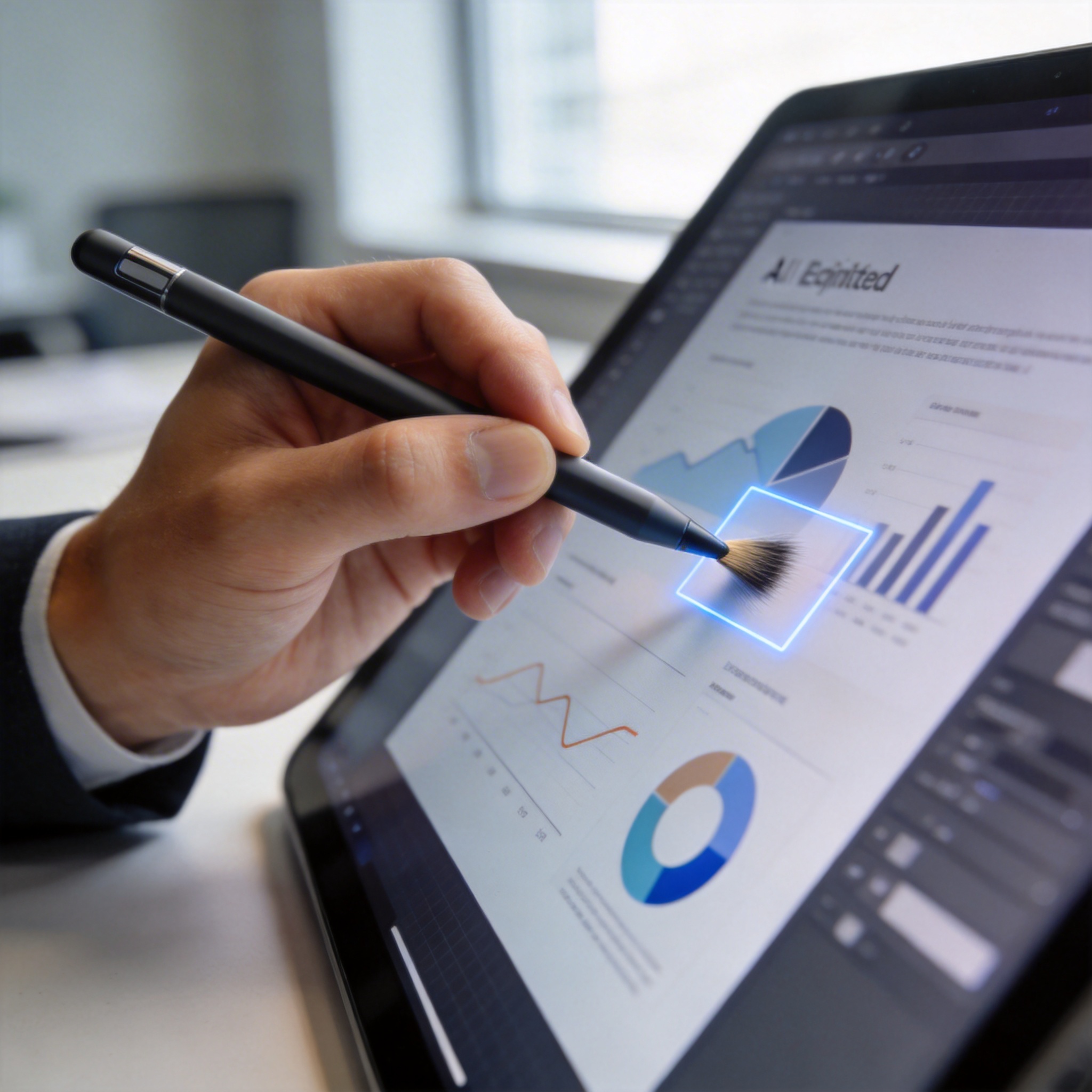
Hand using a digital stylus to brush and re-edit an image area on a tablet screen, demonstrating AI-driven modification.
Mixboard allows users to mark specific image areas with a brush for Banana2 to re-edit, a feature available to free users. Initial assessments indicate that the platform offers clear advantages, such as the ability to modify circled areas and maintain a consistent artistic style through Banana2. Presentations can be altered page by page via dialogue, and users can generate multiple images in a uniform style by referencing a single image, all of which are usable within the presentation.
Digital progress bar stuck at 90% with failed upload icons, symbolizing Mixboard's upload limitations and instability.
However, the platform also presents limitations. Currently, uploaded materials are restricted to PDFs and images, and the upload process has shown instability, with frequent failures. A strict rule dictates that a presentation cannot be generated without sufficient uploaded material to fill a progress bar to 100%. This requirement contrasts with NotebookLM's ability to import diverse sources like links and videos through quick research.
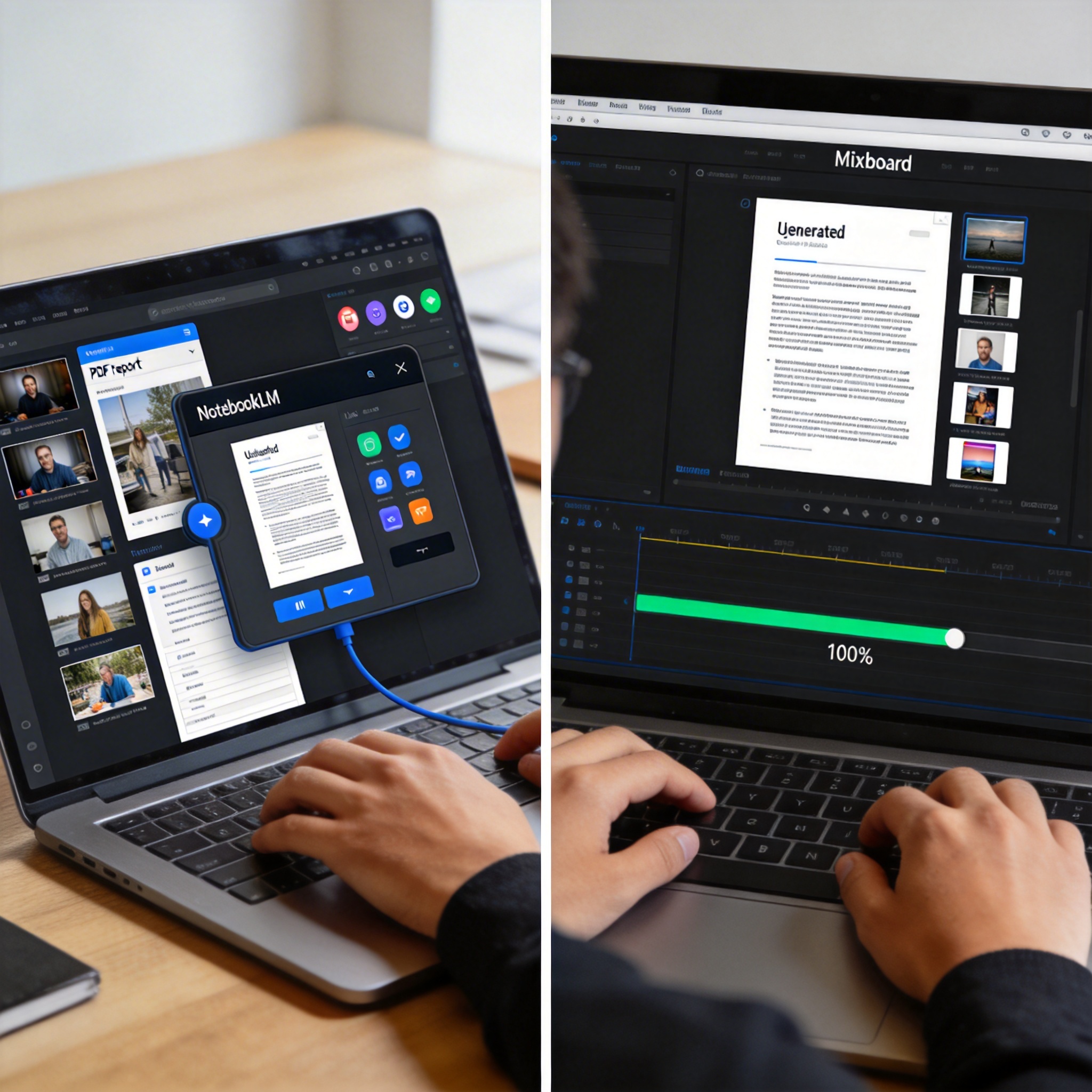
Split-screen showing a user converting sources to PDF with NotebookLM and then uploading to Mixboard, illustrating a workaround.
One potential workaround involves combining NotebookLM and Mixboard. Free users could leverage NotebookLM to convert various sources—online videos, local videos, links, and files—into reports, which can then be saved as local PDFs. These PDFs, along with desired image materials, can then be uploaded to Mixboard to meet the 100% material requirement for presentation generation. The speed of presentation generation in Mixboard is reportedly similar to NotebookLM, with most framed images appearing in the final output.
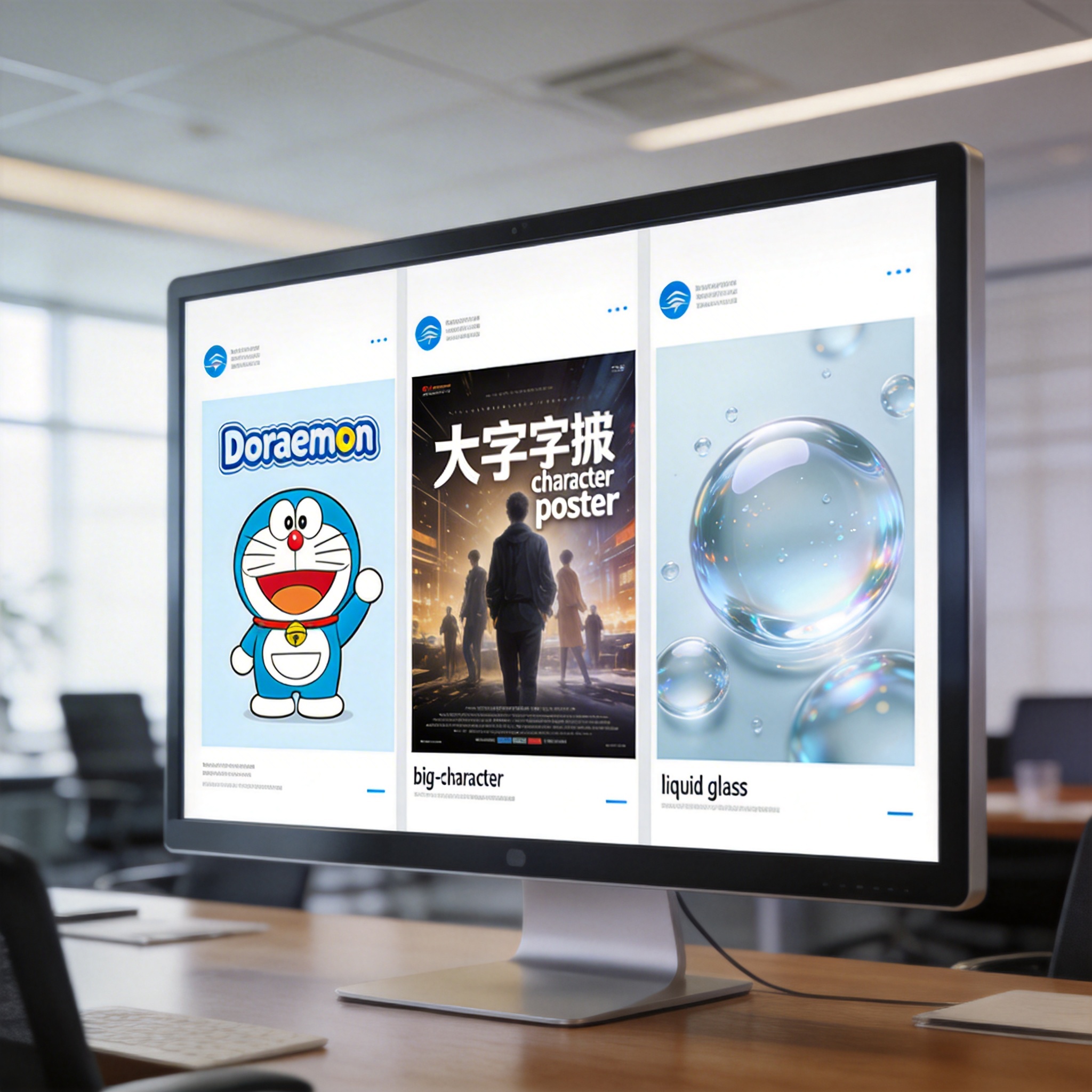
Three presentation slides with diverse artistic styles but consistent design, symbolizing Mixboard's style alignment capabilities.
Mixboard supports various artistic styles, including "Doraemon," "big-character poster," and "Apple liquid glass." For scenarios requiring a unified artistic style, such as large conferences, users can feed a presentation template to NotebookLM, have Gemini summarize its style characteristics, then upload screenshots to Mixboard to restore the style and generate content. While the art style alignment is noted, font style consistency is an area for improvement.
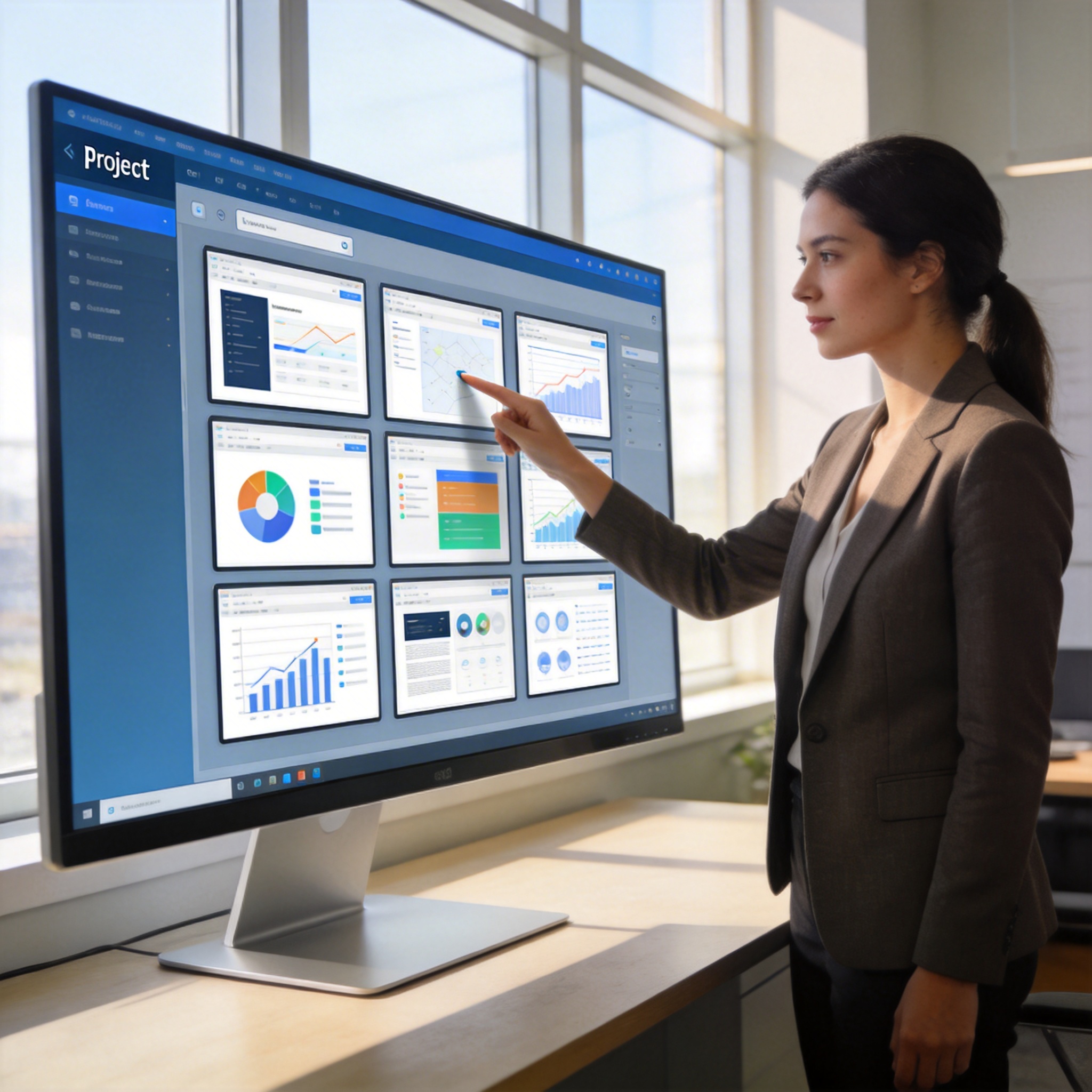
Project manager viewing multiple digital canvases on a large monitor, illustrating Mixboard's multi-project management.
Beyond Banana2 integration, the Mixboard update includes multi-project management, allowing multiple canvases to be organized into a single project. This feature enables the reuse of generated presentations as information sources. The platform aims to significantly reduce the effort involved in presentation design, allowing users to focus more on content and storytelling rather than the technicalities of formatting. For instance, users can create presentations in specific styles, such as "Doraemon" for storytelling or "Nvidia" for technical explanations. The system also facilitates content revision by allowing users to select text and mark areas for AI-driven modification.
Stay Ahead of the AI Curve
Join 50,000+ subscribers getting the latest AI tools, trends, and tutorials delivered to their inbox weekly.
No spam, unsubscribe at any time.