
Developer Replicates Claude's Generative UI for Interactive Chat Visualizations

Anthropic recently introduced a generative user interface (UI) interaction within Claude, enabling the visualization of concepts and information directly within chat streams. This feature aims to enhance comprehension compared to traditional text-based outputs. A developer, who had been exploring similar solutions, accelerated their efforts following Claude's release, reverse-engineering and referencing the new functionality.

Developer's hands typing code, with a monitor showing a streaming interactive chart being drawn in real-time.
After two days of development, the developer successfully implemented a similar feature that allows AI to draw interactive charts directly within chat interfaces. This implementation supports streaming output and rendering as the AI generates content. Previously, generating a webpage via AI required waiting for the entire code to be produced before rendering, a process that could be time-consuming. The new approach allows users to observe charts being drawn stroke by stroke, with SVG nodes appearing sequentially. The generated visualizations are immediately interactive. This functionality is available in the developer's Agent product, Code Pilot.
Applications of Generative UI
The generative UI offers several practical applications:
Data Analysis: The system can visualize data, such as estimating the daily cost of a conflict. Instead of receiving a block of text, users see charts that clearly display numerical relationships, combining text explanations with graphical representations.
Small Tools: Users can request interactive tools like a compound interest calculator. This allows for real-time adjustments via sliders, with charts and figures updating dynamically. The system supports various calculations, including loan amortization and unit conversions.
Architecture Diagrams: For programmers, the UI can generate project architecture diagrams or visualize implementation plans, such as API to JWT authentication flows. This graphical representation aids in understanding feature comparisons, flowcharts, and hierarchical structures more quickly than text descriptions.
Online Data Analysis: The system can process and visualize data from online sources, such as GitHub repositories. By providing a repository link, the AI can fetch data and chart aspects like stars, forks, technology stacks, architectural designs, and core modules, offering a comprehensive overview.
Interactive Explanations: The UI integrates deeply with the underlying model, allowing for interactive and detailed explanations. Users can interact with generated diagrams and request further details. For example, clicking a button on a monsoon diagram could trigger the generation of a more detailed diagram explaining ocean current mechanisms. This capability extends to visualizing physical and mathematical formulas, where parameters can be controlled via sliders, with animations updating instantly.
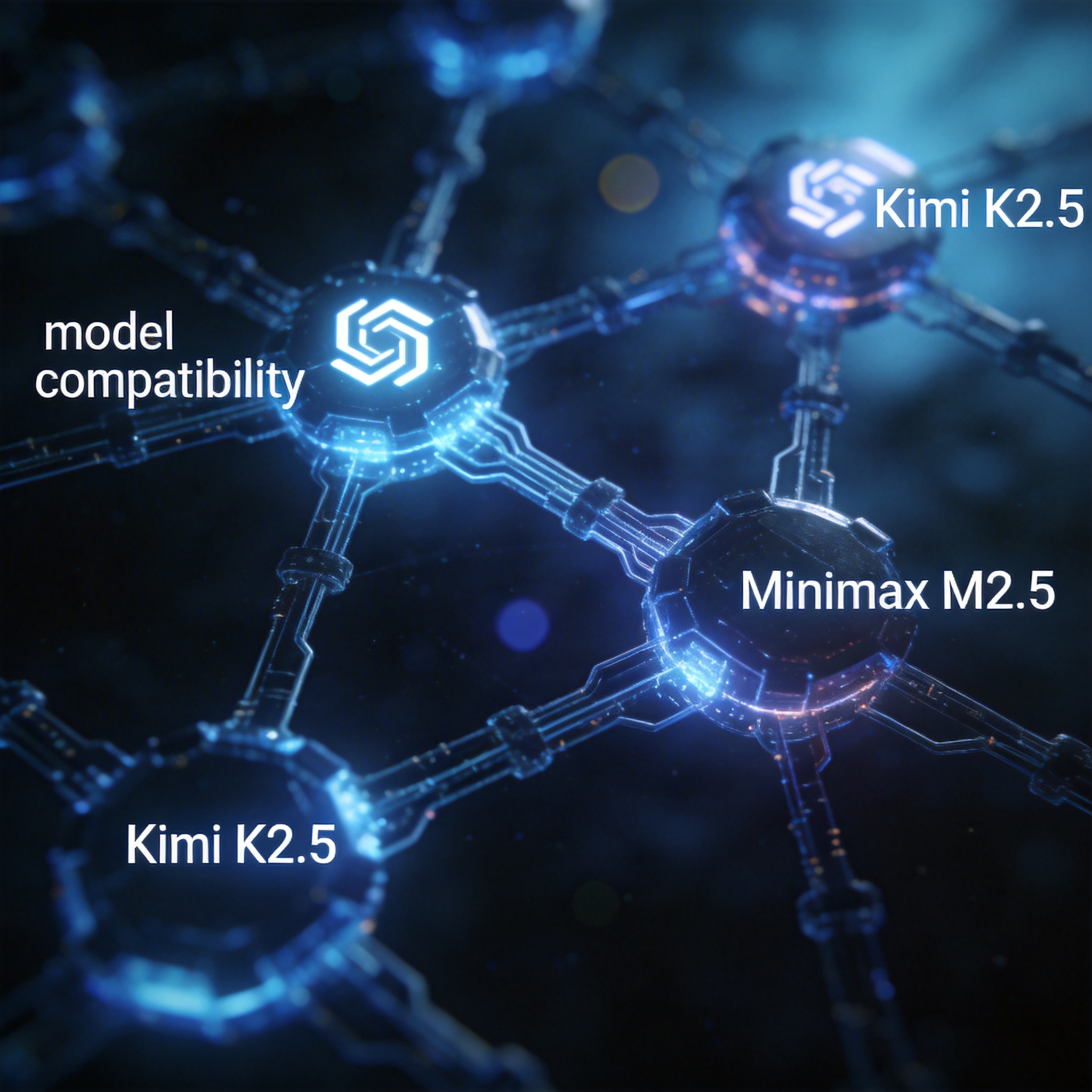
Abstract network of glowing nodes representing different AI models, symbolizing compatibility and integration.
Model Compatibility
The Code Pilot implementation supports various models beyond Anthropic's native offerings, including Kimi K2.5 and Minimax M2.5. The developer noted that Kimi K2.5 produces visually appealing graphics and detailed architectural analyses, recommending it for this feature.
Implementation Details
The core challenge in implementing generative UI lies not in simply running HTML within an iframe, but in maintaining visual stability during various state transitions.
Claude's Approach
Claude.ai utilizes a tool_use mechanism, where the model calls a dedicated tool to output structured widget content. The frontend then parses the input parameters from the tool call to render the content. This method is effective within Claude.ai's architecture.
However, this approach was not suitable for Code Pilot due to several limitations:
SDK Constraints: Code Pilot's use of the
claude_codemode in the Claude Agent SDK does not permit custom tool registration. The SDK provides a text delta stream, which precludes tool-level extensions.Streaming Experience: The
tool_useresults are rendered only after theinput_json_deltais fully assembled, lacking support for incremental HTML rendering. In contrast, Code Pilot's code fence approach allows HTML to stream alongside text, enabling simultaneous generation and preview.Rendering Isolation: Claude.ai employs Shadow DOM for isolation. Code Pilot opted for a sandbox iframe, which offers more comprehensive isolation, including an independent JavaScript execution environment, precise Content Security Policy (CSP) control over resource loading, and prevention of style leakage or script escapes.
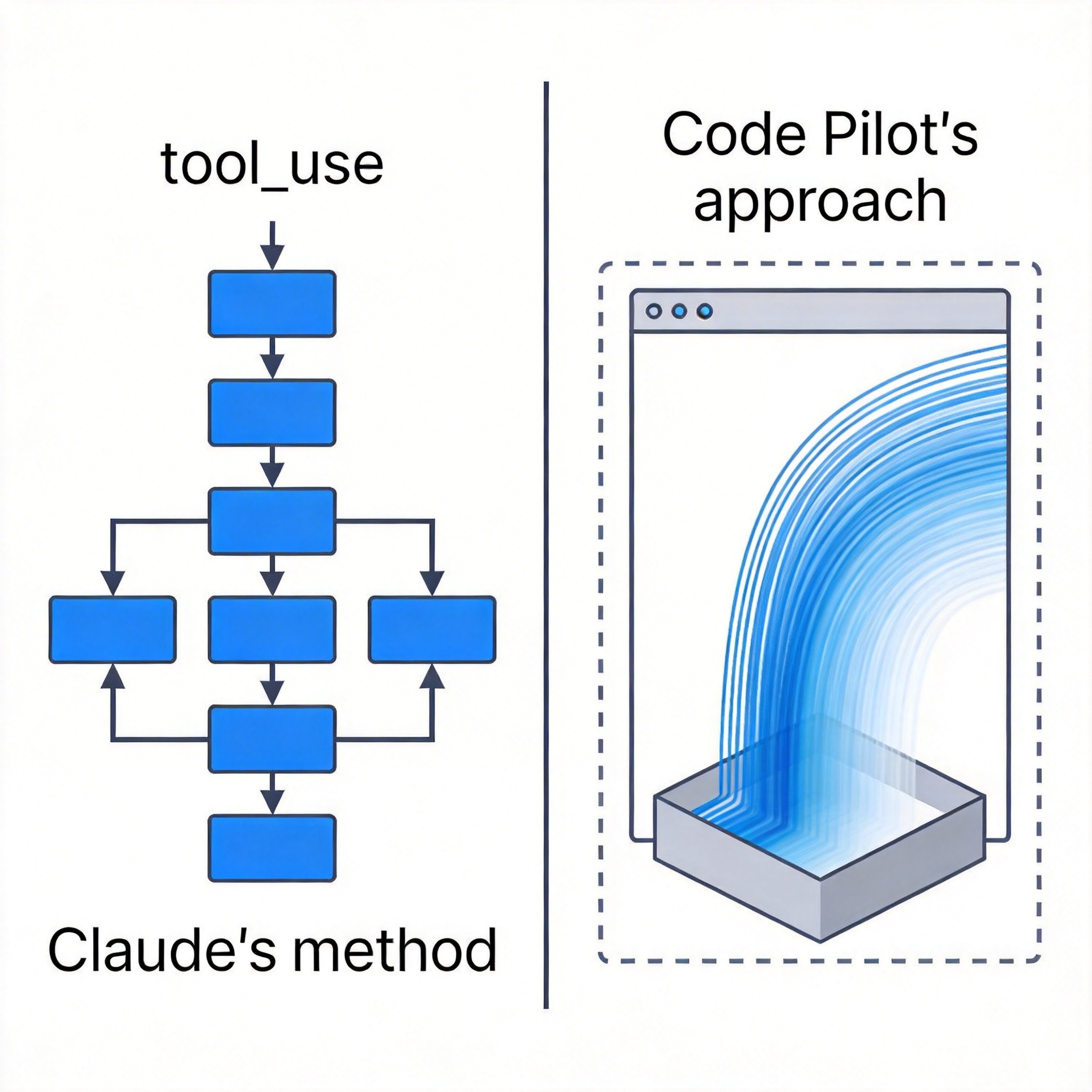
Visual comparison of Claude's tool_use mechanism versus Code Pilot's sandbox iframe for UI rendering.
Code Pilot's Implementation
Code Pilot's implementation relies on a specific markdown code fence to trigger rendering.
Trigger Mechanism: The model outputs a special markdown code fence, such as:
```
show-widget {"title":"training_flow","widget_code":"<svg width=\"100%\" viewBox=\"0 0 680 400\">..."}
```
This format leverages Code Pilot's existing code fence parsing chain, which supports various commands like image-gen-request and batch-plan.
Rendering in Sandbox Iframe: Each widget is rendered within an iframe with sandbox="allow-scripts". The iframe's srcdoc contains a receiver page. Its CSP policy restricts external scripts to four CDN domains and prohibits all network requests via connect-src 'none'. Content updates are managed through postMessage. During streaming previews, widget:update is sent without script execution. For final rendering, widget:finalize is sent, and scripts are executed. ResizeObserver monitors content height changes and reports them to the parent page via postMessage. All <a> clicks are intercepted and forwarded to the parent page to open in new windows. Theme synchronization is achieved by listening for class changes on the parent page to switch between dark and light modes in real-time.
CSS Variable Bridging: To integrate widgets visually, Code Pilot uses CSS variables in the OKLCH color space. The bridging layer injects Code Pilot's variable values into the iframe's :root during initialization, allowing the model to use standard variable names like --color-background-primary from Anthropic's widget design guide. Theme changes in the parent page trigger recalculation and pushing of variable values to the iframe.
Streaming Rendering Process: This is the most complex aspect of the implementation, as the model generates content token by token, resulting in potentially incomplete JSON, HTML, or <script> tags. The process involves:
Using regular expressions to match
show-widgetand determine its "unclosed" or "closed" state.Manually locating and unescaping content after
"widget_code":"withoutJSON.parsedue to incomplete JSON.Truncating content before an unclosed
<script>tag to prevent JavaScript code from being displayed as text.Implementing a 120ms debounce to prevent excessive iframe updates.
Stripping scripts and event handlers during streaming previews, as interaction is not required at this stage.

Abstract representation of streaming code and data, symbolizing the complex challenges of real-time rendering.
User Experience Refinements
The developer focused on refining the user experience to ensure smooth transitions and avoid visual disruptions.
Text Disappearance: Initially, introductory text would disappear when a widget fence appeared, only to return after rendering. This was due to the parsing function returning an empty array for plain text. The fix involved rendering text directly as <MessageResponse> when it did not contain a completed widget fence, bypassing the parsing function.
Height Jumps: The chat area would momentarily shake when a widget finished rendering because the iframe's initial height was 0px. The fix involved temporarily disabling CSS transitions during the first height report, allowing the height to snap instantly, with subsequent fine-tuning using smooth transitions.
Finalize Flicker: A flicker occurred when transitioning from streaming preview to final rendering, as root.innerHTML = html replaced the entire DOM. The solution involved parsing new HTML into a temporary container, separating script elements, and comparing the visual HTML (without scripts) to the current DOM. If identical, innerHTML replacement was skipped, and scripts were appended and executed directly, achieving zero-repaint finalization for pure SVG widgets.
Scroll Back Jump: The chat would scroll to the bottom, then jump back when streaming ended. This was caused by the unmounting of StreamingMessage and mounting of MessageItem, leading to the destruction and recreation of WidgetRenderer. The fix involved module-level height caching, where the widget's height is stored using the first 200 characters of widgetCode as a key. The new WidgetRenderer instance reads this height during initialization, ensuring the iframe starts at the correct height.
Script Code Leakage: When widgets with Chart.js loaded, large blocks of JavaScript code would appear at the bottom. This happened because sanitizeForStreaming stripped the opening <script> tag before the closing </script> tag arrived, rendering the JavaScript as bare text. The fix involved checking for a matching </script> after extracting partial code and truncating at the <script position if no match was found. A shimmer overlay and status bar message indicate this process.
Iframe Ready Race Condition: In rare cases, widgets failed to render, staying at 0px height. This occurred if the iframe's widget:ready message was sent before the React effect registered the message event listener. The fix involved adding an onLoad callback to the iframe element as a fallback, providing a reliable ready signal.
React Component Tree Stability: Widget flickering upon fence closure was attributed to key changes and structural alterations in the component tree. The solution involved calculating a stable key for partial widgets, consistent with the key after closure, and moving the shimmer overlay inside WidgetRenderer, controlled by a showOverlay prop, to maintain a stable component tree.
The developer concluded that the complexity of generative UI lies in ensuring visual stability across various state transitions, rather than the basic implementation of HTML in an iframe. This involves a deep understanding of React reconciliation, browser rendering pipelines, and postMessage timing to create a seamless user experience.
Stay Ahead of the AI Curve
Join 50,000+ subscribers getting the latest AI tools, trends, and tutorials delivered to their inbox weekly.
No spam, unsubscribe at any time.